By UK Heat Pump Guide · Last reviewed
Heat Pump Handover Checklist: Documents and Controls
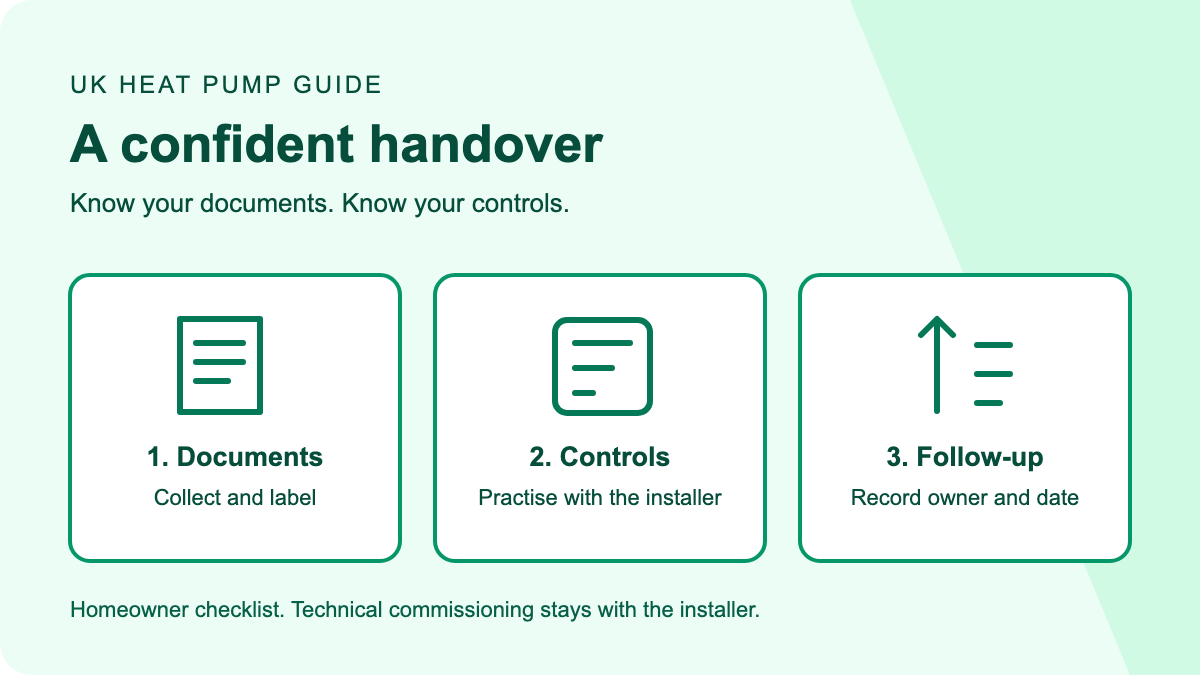
A useful heat pump handover gives you three things: records of what was installed, confidence using the controls, and a clear route for follow-up questions. A running outdoor unit is not the whole handover. Ask for a demonstration and keep a dated list of any documents or checks still outstanding.
This checklist is for homeowners receiving a domestic air-to-water heat pump. It helps you organise questions, not commission equipment yourself. Guidance checked on 10 September 2026. Certificate and notification arrangements depend on the work and UK nation; the network-registration guidance linked below covers Great Britain, not Northern Ireland.
On this page
- What commissioning and handover mean
- The document checklist
- Practise the controls before the installer leaves
- Record the starting point without judging a whole year
- If something is missing
- A follow-up message you can copy
- Frequently asked questions
- Sources and method
What commissioning and handover mean
Commissioning is the installer's technical checking and setup of the completed system. Handover is the explanation and information you receive so you can use it. They are related, but a certificate cannot teach you which button changes the hot water schedule.
Energy Saving Trust's installation guide describes commissioning checks such as checking for leaks and balancing radiators, followed by a controls explanation, documentation and warranty information. These technical checks belong to the installer. Do not open equipment, change installer-only parameters or attempt electrical, refrigerant or pressurised-system work to complete this checklist.
Before the visit ends, ask: “Can we go through what has been checked, what I should know how to operate, and anything you still need to send?” That question separates an unfinished explanation from an unfinished technical task.
The document checklist
Create a folder for the installation rather than relying on a chain of emails. For each item, record whether you have received it, who will send it and the agreed follow-up date. The table below is an organisational checklist, not a claim that every installation needs every certificate.
| Item to ask about | What to check in your copy |
|---|---|
| Equipment details and manuals | Model and serial numbers match the equipment; instructions cover your controller and cylinder where fitted. |
| Commissioning record | It identifies your installation, the person or business responsible and the recorded checks/settings. |
| MCS certificate, where applicable | Property details and installer match; the certificate is saved alongside, not confused with, the technical commissioning record. |
| Building-control and electrical documents | Ask which documents apply to the work, who issues them and when they will arrive. |
| Network notification or permission | Ask who dealt with the electricity network operator and request the relevant reference or confirmation. |
| Design and agreed specification | Keep the accepted proposal and any agreed changes with the completed installation records. |
| Warranty and servicing information | Keep registration confirmation, terms, service requirements and the correct route for a fault enquiry. |
| Outstanding-items list | Give each missing item an owner and a date, including any promised return visit. |
The government's heat pump registration guidance distinguishes network notification, relevant building-regulations documentation and the MCS certificate/handover pack. They serve different purposes. An MCS certificate is not a substitute for confirmation of every other applicable requirement. Ask the installer which route applies to your home rather than guessing from another homeowner's paperwork.
GOV.UK's installer guidance says that, if you used an MCS-certified installer, you should receive the MCS commissioning certificate within 10 days of completion. If it has not arrived, ask for its status and a copy; do not assume the entire handover pack has the same issue date.
For the design documents, our heat pump sizing guide explains the terms you may encounter. For warranty distinctions, use the heat pump warranty guide alongside your actual product's terms. Your own paperwork takes priority over a general example.
Practise the controls before the installer leaves
Ask to operate the everyday controls yourself while the installer watches. A demonstration is easier to check when you repeat the action, instead of only watching someone move through menus.
Baxi's commissioning guidance includes explaining heating controls, hot water, operating behaviour and basic maintenance at handover. The following prompts turn that into a practical conversation; the correct answers depend on your installed system.
- Find heating and hot water separately. “Show me which screen controls each, and how I know which one is active.”
- Make one ordinary change. “Watch me change the room-temperature target, then restore the agreed setting.”
- Check schedules and overrides. “If I use a boost or temporary override, when does normal operation resume?”
- Understand absences. “Which user setting should I use when away, and what protections must remain enabled?”
- Clarify hot water hygiene. “Which automatic programme is configured, and which settings should I leave to you?”
- Know the fault route. “Where do I find an error code, what information should I record, and who deals with it?”
Write the answers in your own words. If an app is involved, confirm that you can sign in with your own account and ask what remains usable without it. Do not send account passwords in the shared handover notes.
Record the starting point without judging a whole year
Keep the agreed settings and commissioning record as a reference, not as a promise of your annual bill. A short handover visit cannot show how your household will use heating across every season.
Ask the person who commissioned your system to explain unfamiliar entries in its record. Keep a copy you can refer to during a later conversation, rather than copying another household's temperatures or flow rates into your controller.
For your own follow-up notes, record the date, rooms involved, what you noticed and any changes made using the normal user controls. For example: “Tuesday evening: bedroom felt cooler than the living room; no settings changed; query sent to installer.” This is a suggested recording format, not a report from a tested installation.
If you want to understand efficiency terminology, read what heat pump COP means. Avoid treating one instantaneous display reading as proof of seasonal performance. Ask what the display measures and whether it includes all the electricity used by your system.
If something is missing
Distinguish a missing file, an unanswered operating question and a suspected fault. Each needs a different follow-up. “The unit runs” does not answer a request for documentation, while a missing certificate alone does not tell you why a room is cold.
Send a short written list to the installer with the installation address, completion date and the exact outstanding items. Ask for a response date and keep their reply. Do not mark an item as received simply because it has been promised.
If a normal request does not resolve matters, use the installer's complaints procedure and check the consumer scheme they belong to. RECC's complaints guidance explains its process for complaints involving its members. It is not the route for every installer, so confirm membership before submitting details.
A follow-up message you can copy
Use this as a checklist for your own message, replacing the bracketed fields. It is not legal wording or a demand to withhold payment.
Subject: Heat pump handover follow-up for [installation address]
Thank you for completing the installation on [date]. Please confirm the status of these outstanding items: [documents or explanations needed].
I would also like clarification of [specific controller question]. Please confirm who will provide each item and the expected date, including whether a return visit is needed.
I have saved [documents already received] with the installation records. Please let me know if I have misunderstood the name or purpose of any missing document.
Next step: save the checklist with your installation folder and complete the “received / owner / date” notes while the handover is still fresh.
Frequently asked questions
Is an MCS certificate the same as a commissioning checklist?
No. Keep both where applicable: the MCS certificate identifies the certified installation, while the technical commissioning record contains checks and settings recorded for the system. Ask the installer to label the documents clearly rather than treating either as the complete handover pack.
Do I need to change installer settings to check the handover?
No. Ask the installer to demonstrate ordinary user controls and explain the technical record. Leave commissioning parameters, safety functions and equipment access to an appropriately qualified person. Knowing how to operate the system does not mean learning how to commission it.
What if I forget how to use the controls after installation?
Use the manual for your exact controller and the notes from the demonstration. Send the installer a specific question with the screen or setting involved. Ask for another explanation if needed instead of experimenting with unfamiliar installer menus.
Can I use this checklist for a heat pump already in a house I buy?
Use it to organise the documents and operating information you request from the seller. Record anything unavailable and ask the original installer or manufacturer which copies or support they can provide. Do not assume the original warranty transfers automatically; check its terms.
Sources and method
This is a desk-researched homeowner checklist, not an installation inspection or an engineer's certification. We checked the following primary guidance on 10 September 2026 and separated it from our suggested questions and follow-up template:
- GOV.UK: finding an installer and the post-installation certificate.
- GOV.UK: registering a heat pump and receiving relevant documents. Used for the registration/documentation sections, not its historical grant references.
- Energy Saving Trust: installation, commissioning and handover.
- Baxi: commissioning and explaining the system to the homeowner. Manufacturer guidance, not an independent endorsement of a particular product.
- RECC: complaints process.